
Measure your pupillary distance (PD)
using the camera on your phone or computer

For best results, please use your computer.

You will need your membership card, driver's license, or any card of the same size. The card is only used as a measuring tool, but you may cover any sensitive info on the card.
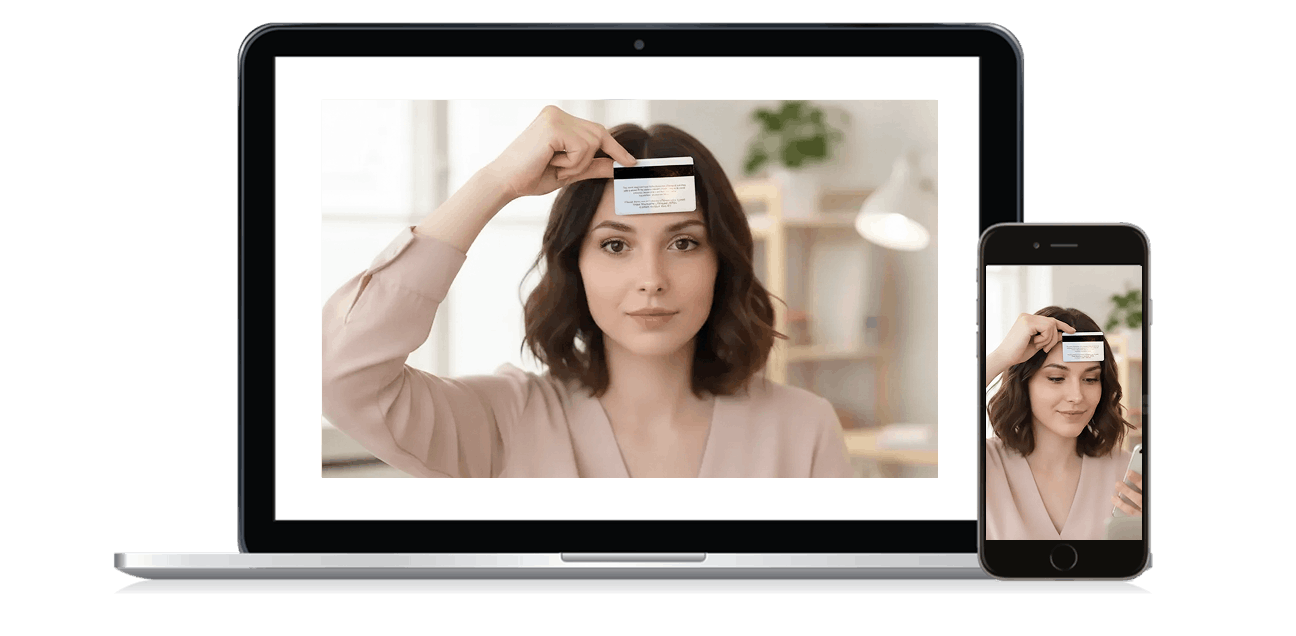
If asked for permission to use your camera, please click "Allow".

PD Measurement

*PD is needed to center your prescription in your glasses
How to take your photo

Before you begin

Correct position from computer screen

Before you begin

  • Position yourself in a well-lit area, preferably with natural light.
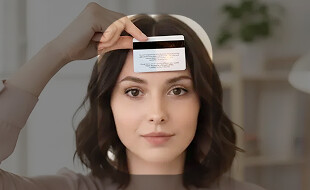
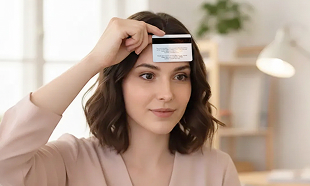
  • Hold the card flat against your forehead.

Directions for the next screen

Placing card correctly

Directions for the next screen

  • Make sure your head is within the highlighted area.
  • Look directly at the camera with your eyes wide enough to see your pupils and take a photo.
Countdown:   3

Hold still and look directly at your camera.

Once your face and card are in position, remove your glasses and look directly into your camera, then press “Capture”. See instructions again.

Check that your eyes are looking straight ahead and that the edges of your card are visible.

Once your face and card are in position, remove your glasses and look directly into your camera, then press “Capture”. See instructions again.

3
Error

Oops

Camera not detected

Allow access to your webcam and check that it is not already in use.

Prescription Summary

Prescription Lenses
Own Frame
Prescription Lenses

Congratulations!

Please review the product details below

Prescription Lenses
Own Frame

Summary

Prescription lenses

In-Stock

Change Prescription Method